JSON node
JSON Object
Build a JSON object from dynamic key-value inputs. Each input port you add becomes a key in the output object, and the connected value becomes its value. This is the primary node for constructing structured JSON data in your graph.
Inputs
| Port | Type |
|---|---|
| BaseAn optional object to start from — its keys come through untouched and the keys you add below are written on top of it. Leave it unconnected to build from scratch. | json |
Outputs
| Port | Type |
|---|---|
| Output | json |
Screenshots
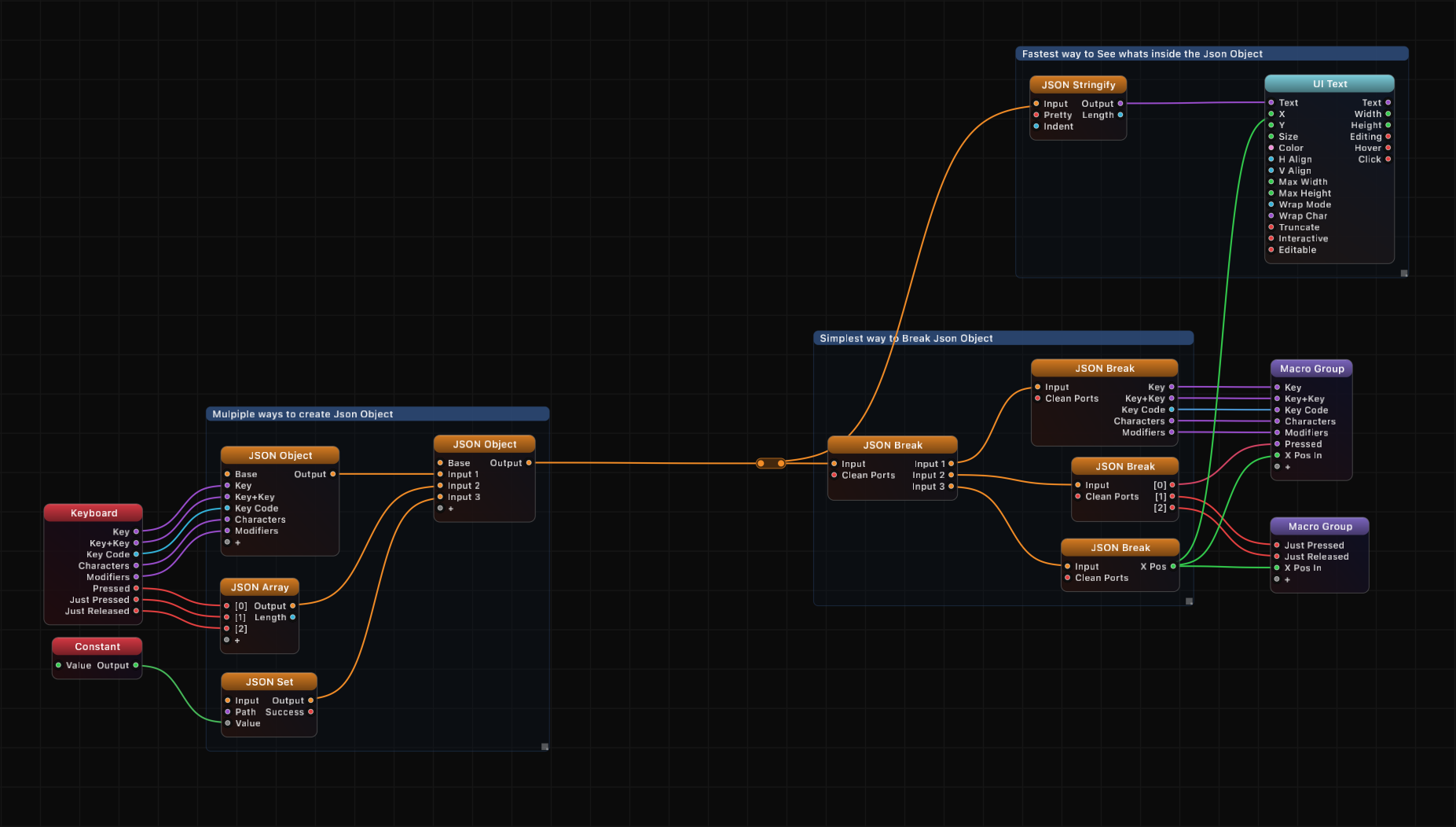
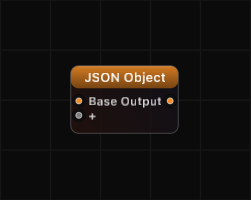
Overview
JSON Object lets you assemble a JSON object piece by piece. You name each input port, and that name becomes a key in the resulting object. Connect any value type to each port — floats, strings, booleans, nested objects, or arrays — and the node packages them into a single JSON object on the output.
An optional Base input lets you start from an existing JSON object and add or override keys on top of it. Keys from your dynamic inputs take priority over keys from the Base object.
The node preserves key order using Grafit's OrderedJSON system, so the output maintains the sequence in which keys were added.
Path Syntax
Not applicable to this node. Use JSON Get or JSON Set for path-based access on the output.
Examples
Build a simple object:
Add three dynamic inputs named x, y, z. Connect float values to each. The output is:
{
    "x": 1.0,
    "y": 2.5,
    "z": 0.0
}
Extend an existing object:
Connect a JSON object to Base, then add dynamic inputs to override or add new keys. For example, if Base contains {"name": "circle", "radius": 1.0} and you add a dynamic input color with value "red", the output becomes:
{
    "name": "circle",
    "radius": 1.0,
    "color": "red"
}
Nested objects:
Connect another JSON Object node's output to one of the dynamic inputs. This creates nested structures naturally.
Use Cases
- Constructing configuration objects for OSC or TCP output
- Building structured data bundles to pass between macro groups
- Assembling key-value metadata for export via JSON Stringify
- Creating message payloads for network transmission nodes
Tips
- Port names are the JSON keys. Keep them short and meaningful.
- Later values override earlier ones: if Base has a key
"x"and you also have a dynamic input namedx, your dynamic input wins. - Connect a JSON Stringify node to the output to see the formatted text representation.
- Combine with JSON Array to build complex nested structures.
- Key order is preserved through the pipeline — downstream nodes like JSON Break and JSON Stringify will maintain the order you defined.
A ready-made example project for this node is built into Grafit Pro: select the node in the library and open or drag the example from its description panel.
Open JSON Object in the interactive catalog →
JSON Object is one of 381 nodes in Grafit Pro.
Free download. Every feature for 7 days, no card. Then €99.99 once — or keep playing your projects as a Player.